
Pioneering The Future of Product Specification Overcoming pain points with phygital solutions. ...
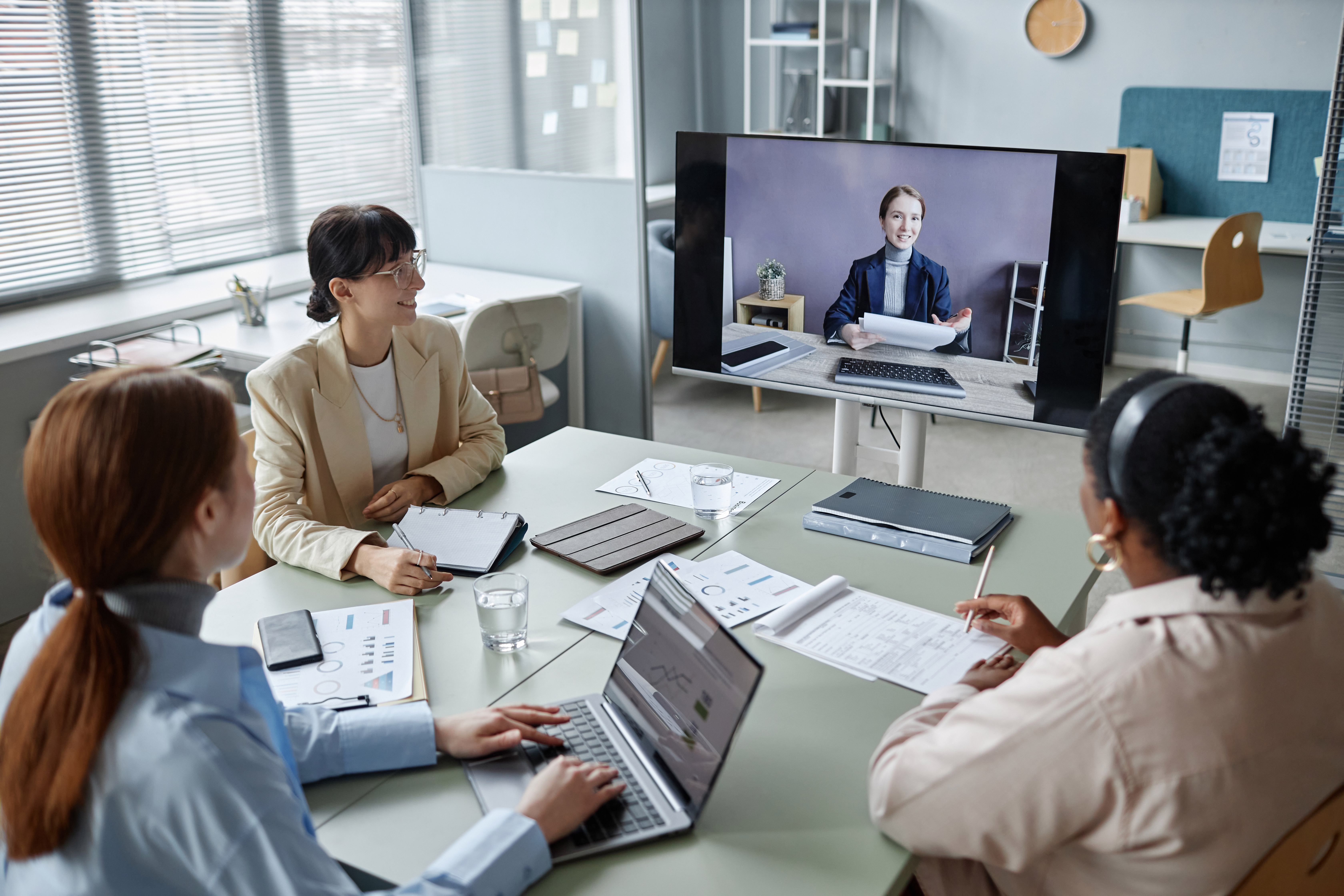
A rep called me recently, frustrated after a virtual presentation.
Cameras were off.
No one was reacting.
No energy.
No feedback.
And the biggest question: Are they even listening?
If you’ve presented virtually, you’ve felt this.
But here’s the truth most people miss: It’s not an engagement problem. It’s a design problem.
The Real Issue: We Removed the Signals That Drive Connection
In person, engagement is easy to read through eye contact, body language, and subtle reactions that signal whether people are with you. But in virtual settings, we’ve stripped those cues away and replaced them with nothing. So if you want engagement, you can’t just hope for it. You have to design for it.
5 Ways to Design More Engaging Virtual Presentations
1. Fix Your Presence First
Before you even get into content or strategy, start with what people actually see. Use good lighting, keep the light on your face instead of behind you, and if you don’t have a full setup, just face a window. The goal is simple: look clear, human, and easy to connect with. If people can’t see you well, they start to disengage before you’ve even begun.
2. Reduce Friction Before the Meeting Starts
Engagement doesn’t start when the meeting begins. It starts the moment someone tries to join. Even small confusion can create distraction like “Is this Zoom or Teams?” or “Do I have the right link?” To avoid this, set a default platform in Outlook, stay consistent, and prioritize what’s easiest for your audience, not just your company.
Clarity removes cognitive load and frees people up to actually engage.
3. Set Expectations in Advance
In-person meetings come with built-in norms, but virtual meetings don’t, which means you have to create them. Try setting expectations in your invite or pre-read with something like, “Come ready to be on camera, we’re going to make this interactive (I promise, not cheesy, and there will be a payoff).” This does more than share logistics. It signals that the meeting will be different and worth showing up for.
4. Reinforce the Rules at the Start
Don’t assume people know how to participate, tell them. For example, you might say, “Chat is open, use it. While that might feel rude in a room, here it’s how we stay engaged.” This removes uncertainty and gives people permission to participate. And once one person jumps in, others tend to follow.
5. Pull Them In Immediately
If you wait 10 minutes to engage your audience, you’ve already lost them, so start strong. Pull people in right away with something simple like a quick “Would You Rather” poll, a choose-your-own-adventure moment (“What do you want to dig into first?”), or an easy question in the chat. The goal isn’t just interaction, it’s ownership. When people participate, they listen differently because now it feels like their meeting too.
The Bottom Line
We redesigned work for speed and technology.
But we didn’t redesign how we connect.
So if your virtual presentations feel flat, don’t take it personally.
Design for engagement the same way you’d design a space:
- With intention
- With clarity
- With the human experience in mind